Finding my perfect laptop
· breq.dev
Recently, I came to the realization that within the past year, I’ve tried daily-driving a ThinkPad running Windows, a Framework Laptop running Linux, and a MacBook Pro running macOS. They’re all great laptops running solid operating systems, but they all mesh slightly differently to the way I like to work. (Spoiler alert: I really like my Framework.)
#What makes a good laptop for me?
Portability is probably the most important factor for me. I work best when I’m moving around! As a student, I tended to move from one building to another every hour or two to break up the monotony of studying. At every job I’ve had since, I’ve been constantly moving between my desk and the rooms where the engineering happens. And at home, I’ll get work done at my desk, at the dining room table, on the couch, in bed, at a nearby park… you get the picture!
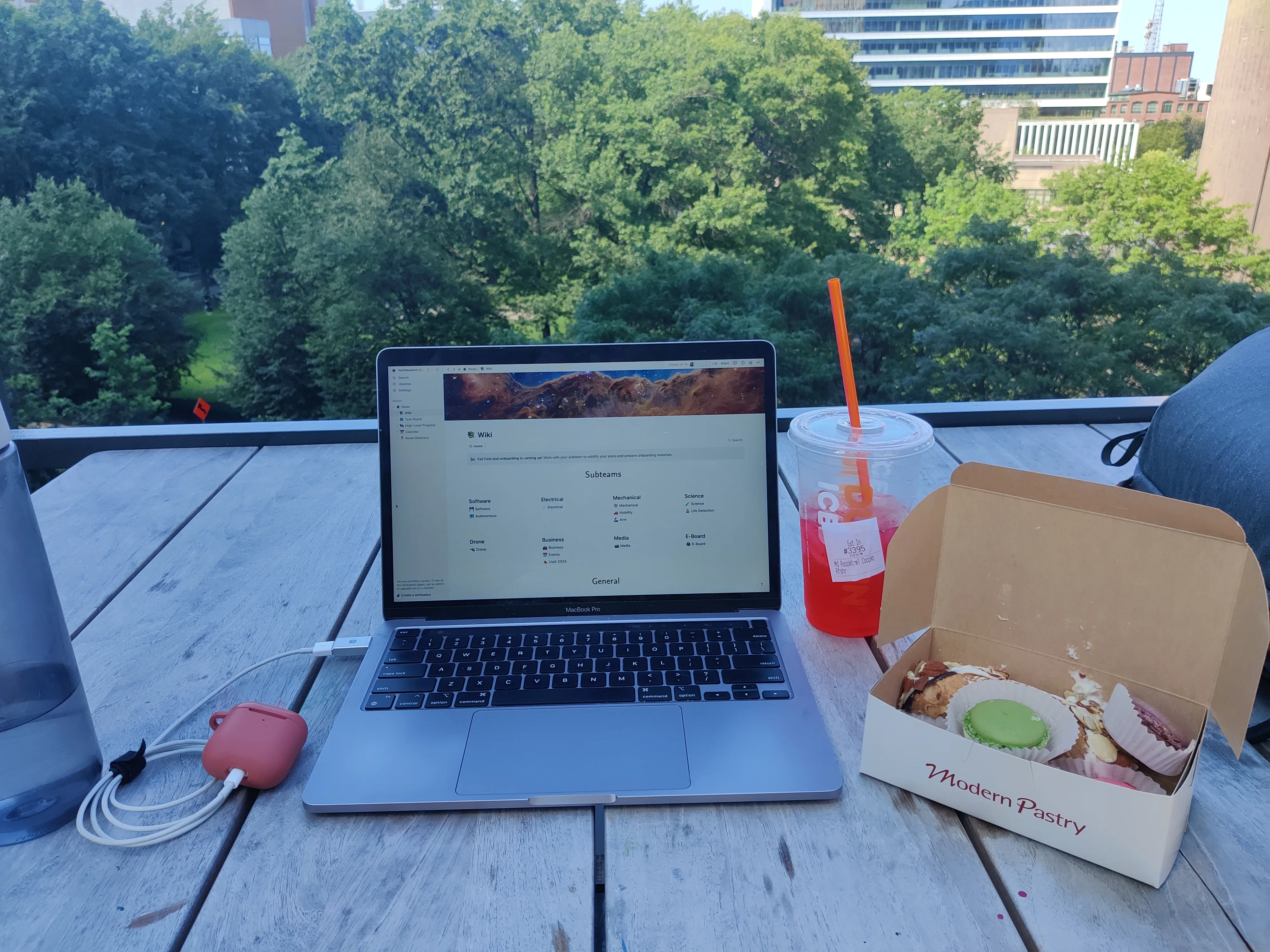
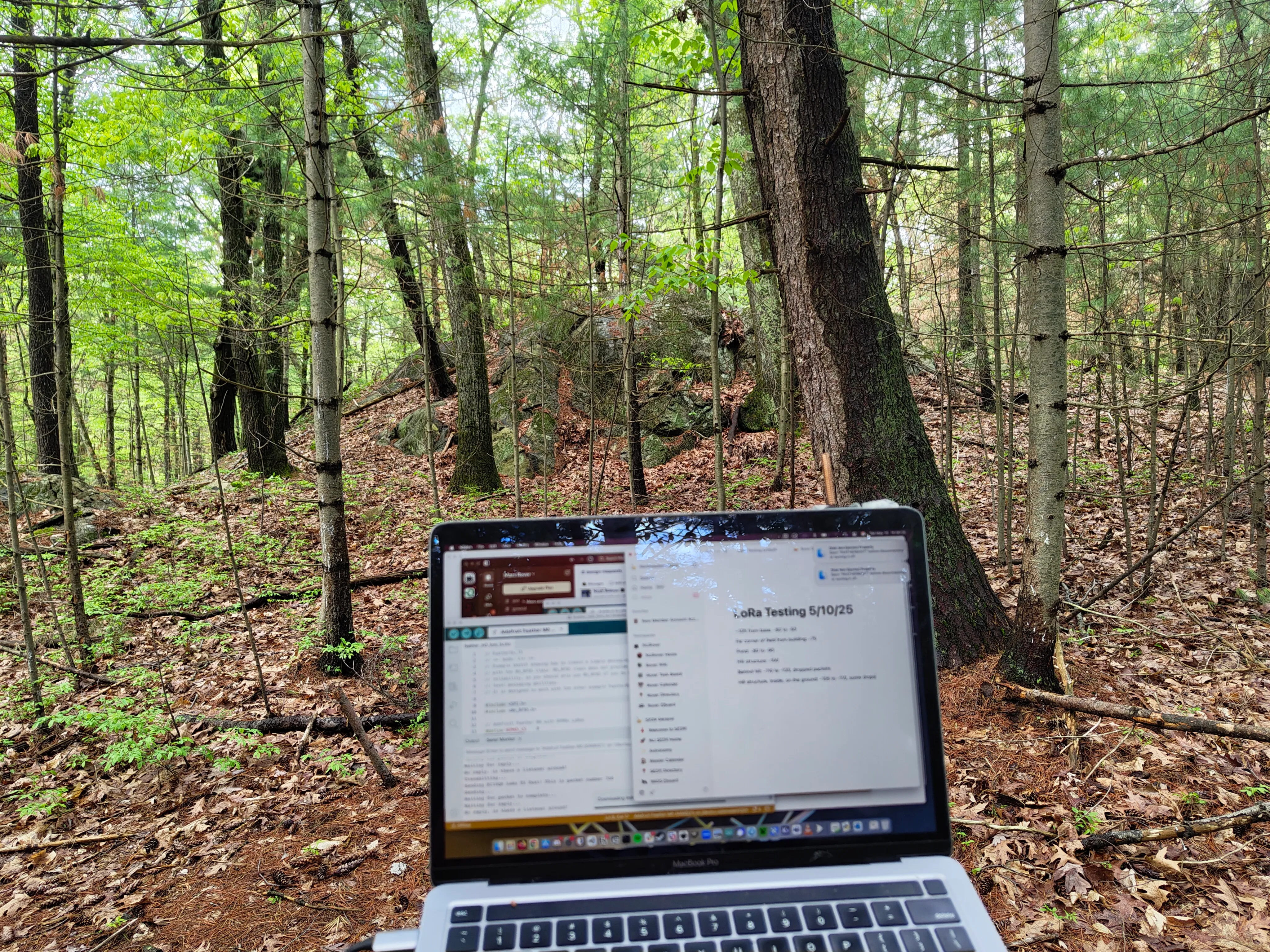
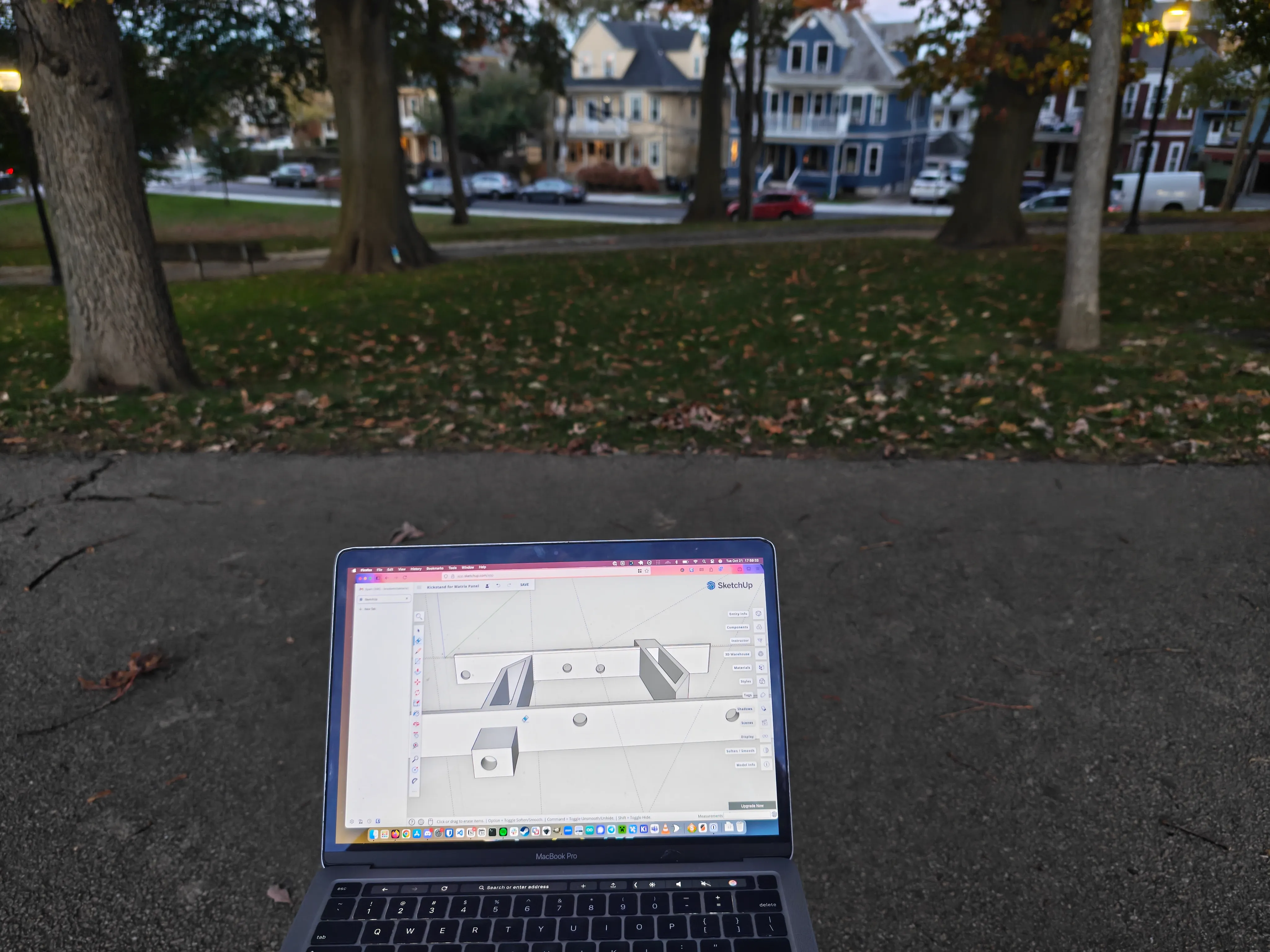
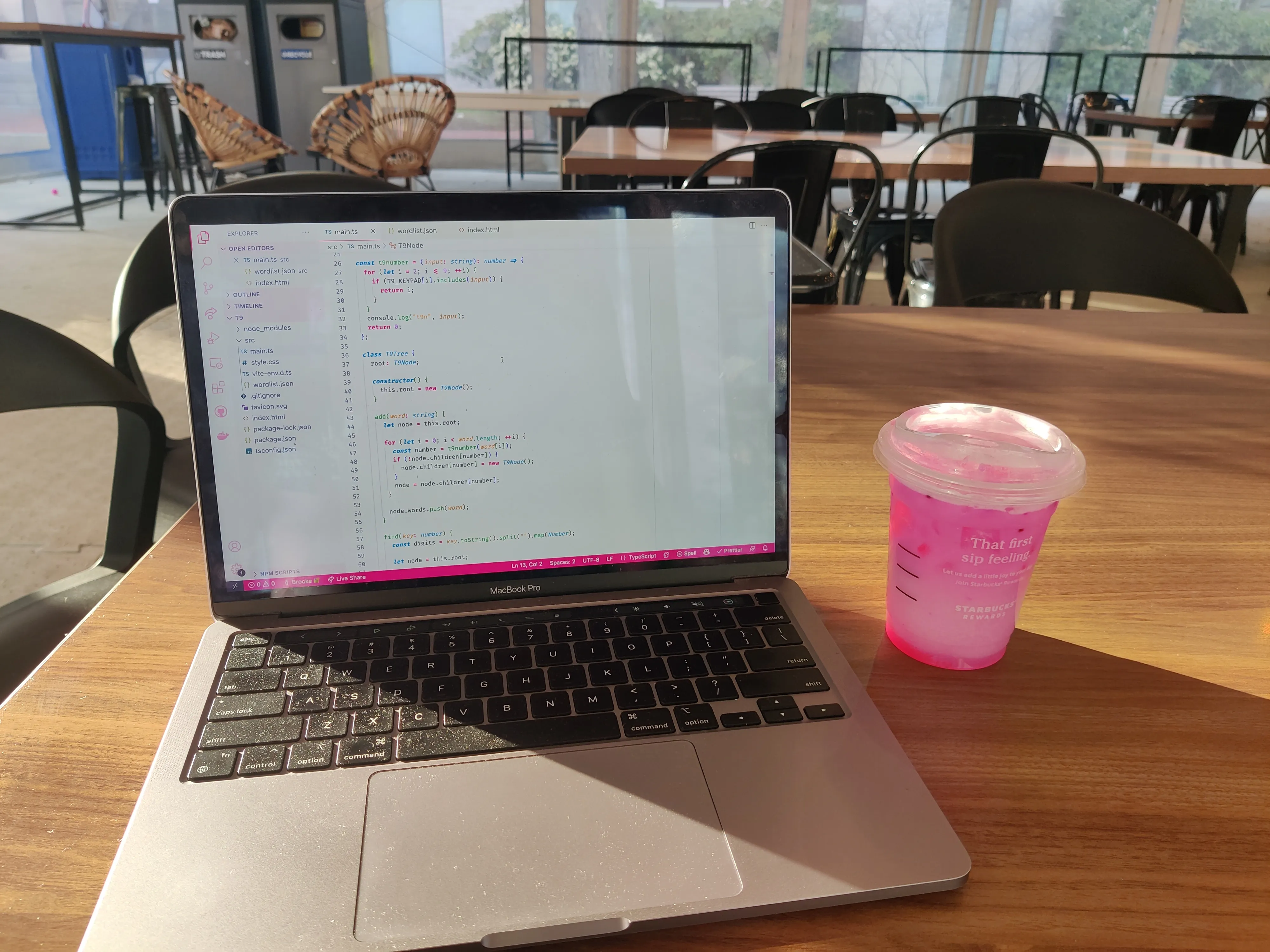
I find a 13” screen to be around the ideal size. I know a lot of people who work in tech who think using a screen that small is outrageous, but it works well for me! Extra screen space is nice, but not when it comes at the expense of the laptop’s ability to fit into a tote bag, its weight while I’m trying to use it on my lap, or my ability to use it on a bus or plane without bumping elbows with the other people in my row. The only time I tried a 16” laptop was during my internship at Amazon Robotics, and I pretty quickly realized it wasn’t for me.
I’ve gotten better over time at maximizing the utility I get out of a smaller screen by using keyboard shortcuts and trackpad gestures to switch between menus and apps, and I have good enough vision to run most apps at a small UI scaling setting. I know the next step for me to use a small screen as efficiently as possible would be for me to learn how to use a tiling window manager, but I don’t think I’m ready to make that jump yet. I also have a larger monitor at my desk which I can move to if I need additional screen space for something specific.
On the topic of screens: I find that touchscreens add no value for me for the type of work I do on a computer. If you make digital art and use a stylus, or you like the feeling of handwriting notes instead of typing them, or you just like scrolling websites with your fingers on the screen, you’ll probably feel differently! But personally, I’m content with a trackpad.
Software stability is another big factor for me. I’ve learned that I am not the type of person who likes to tweak my computer to be as efficient for me as possible — I’m fine making a bunch of customizations, but the moment they stop working, I lack the patience to fix anything! The laptop and its operating system should give me reasonable defaults, work consistently and reliably, follow the principle of least astonishment, and get out of my way so I can get work done.
#MacBook Pro
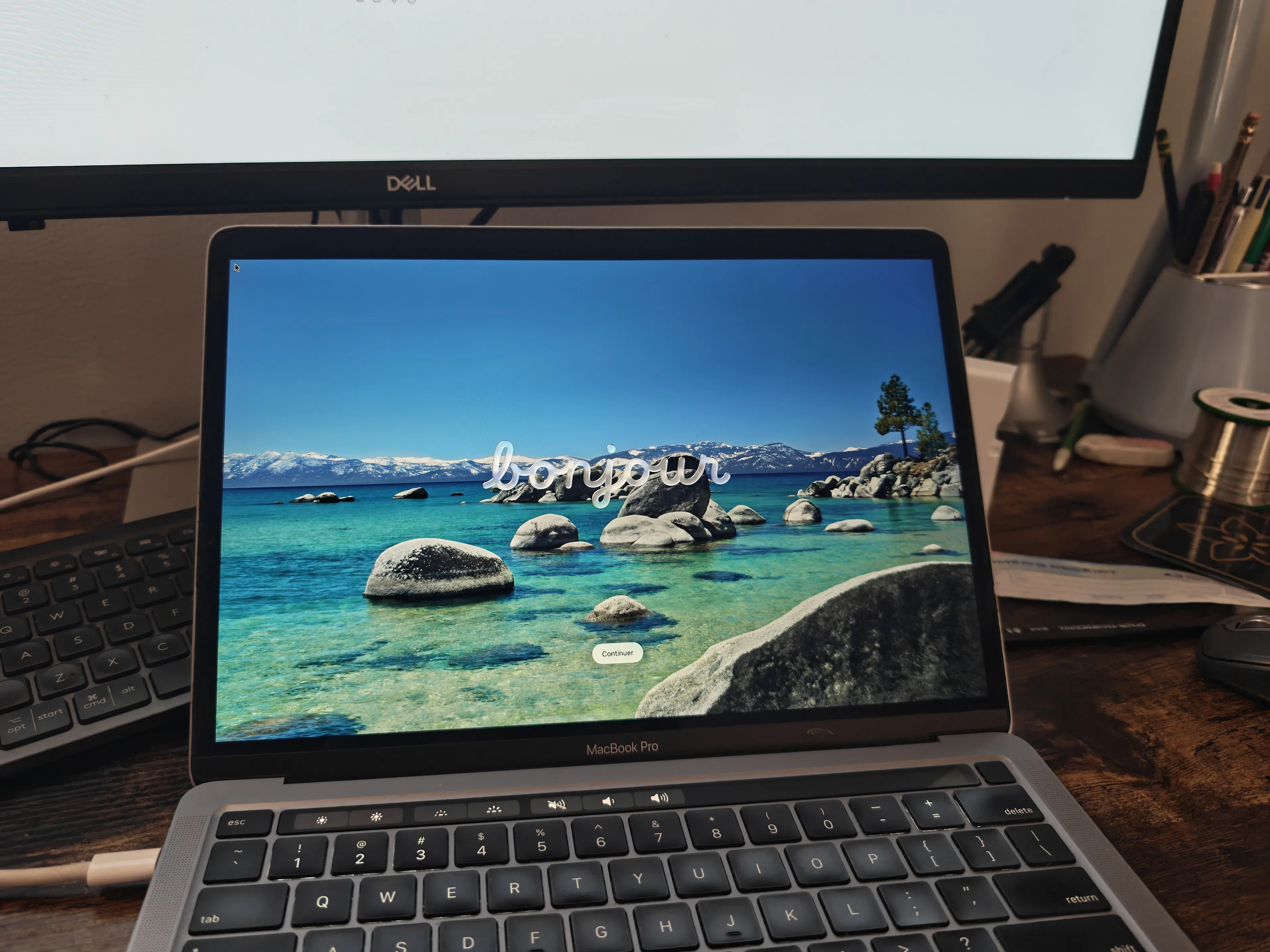
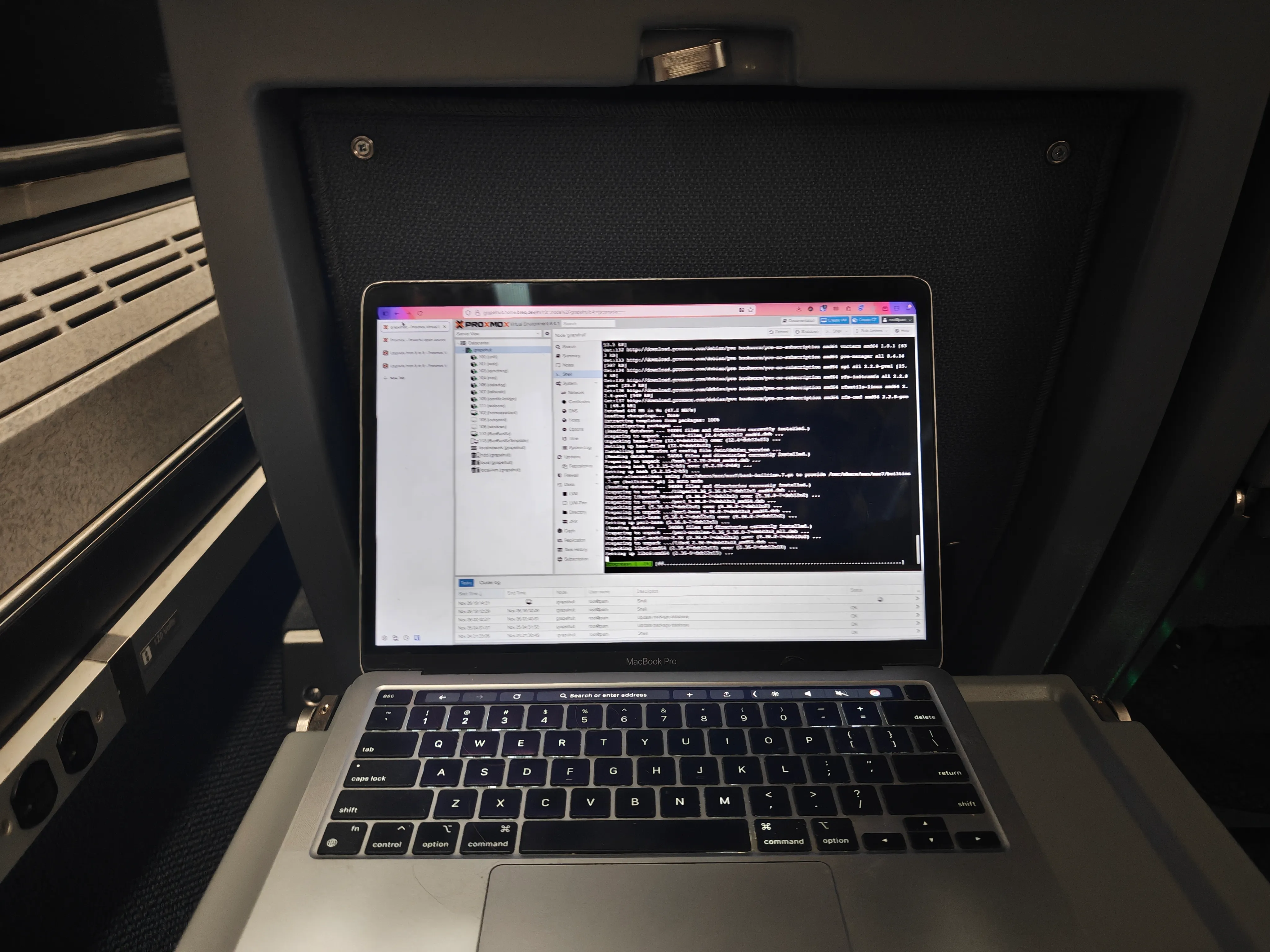
When my old laptop broke literally the day after I moved into my college dorm for freshman year, I needed to find something as fast as possible, so I took the train to the Apple store and bought a base model 13” M1 MacBook Pro.
Considering the rushed nature of the purchase, I think I ended up with a pretty great computer! During my freshman year, having an Arm CPU meant that I was the odd one out when it came to installing software for classes, but that became less of an issue over the next few years. My only regret is getting only 8 GB of RAM, leaving the computer woefully underpowered for running virtual machines or even just the IntelliJ IDEs I had to use for coursework. I likely would’ve kept it for another year or two had it been the higher spec model.
I do genuinely miss the Touch Bar. It made things like changing volume settings much more ergonomic than mashing a key repeatedly, and I got to map my favorite VS Code hotkeys to nice icons instead of having to remember which action “F2” maps to.
At the time, the M1 laptops were excellent value for money. I think Apple’s current lineup is a bit worse off in that regard, but I suppose that was just the discount I got for being an early adopter of Apple Silicon. Speaking of that, the battery life on that computer was amazing — a full day of classes followed by staying up late in the robotics lab. Battery life is less of a concern for me now, but at the time it was incredibly helpful.
The laptop had only two USB-C ports. I honestly didn’t mind that too much, I could carry a dongle for everything else. What was more annoying was only having ports on one side of the laptop, in situations where a charging cable could just barely reach.
During its four-year run as my daily driver, that laptop took multiple falls onto the concrete floor of the robotics lab without much damage. It definitely accumulated some dings and scratches, but nothing that interfered with its function. The only feature that stopped working over the years was part of the backlit keyboard after I spilled hot chocolate on it once.
#macOS
The software was, frankly, pretty jank! In the first year or so, memory leaks in macOS were a constant nightmare requiring frequent reboots, but that was greatly improved by later updates. The computer would also occasionally flash the display bright magenta and hard reboot about 30 seconds after logging in.
That said, macOS in general is going to be pretty great for software development. I appreciated the similarity to the Linux environments I was most familiar with. The only times I needed to switch to doing my work in a Linux VM was when using ROS, which builds packages for Ubuntu only.
I definitely missed having a “real” package manager. Homebrew is fine, and works about as well as a third-party package manager can, but it’s just plain awkward to not have a package manager built into the operating system.
While I was a student, I needed or wanted to run apps like Microsoft Word and Adobe Photoshop using my student license, and macOS was the perfect option that gave me those without needing to resort to dual-booting. That said, since graduation, I’ve been daily-driving Linux just fine without a Windows partition.
#ThinkPad X1 Carbon
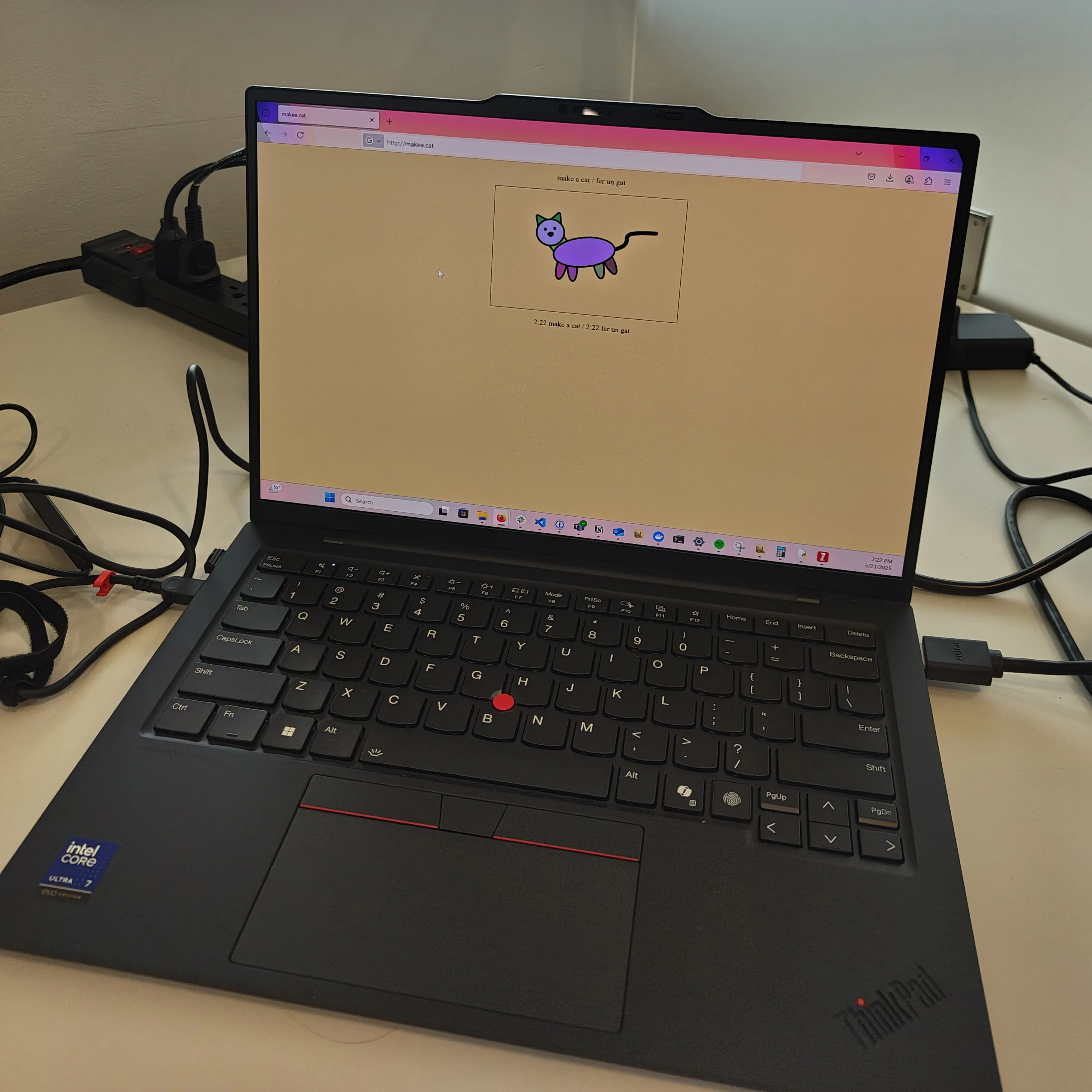
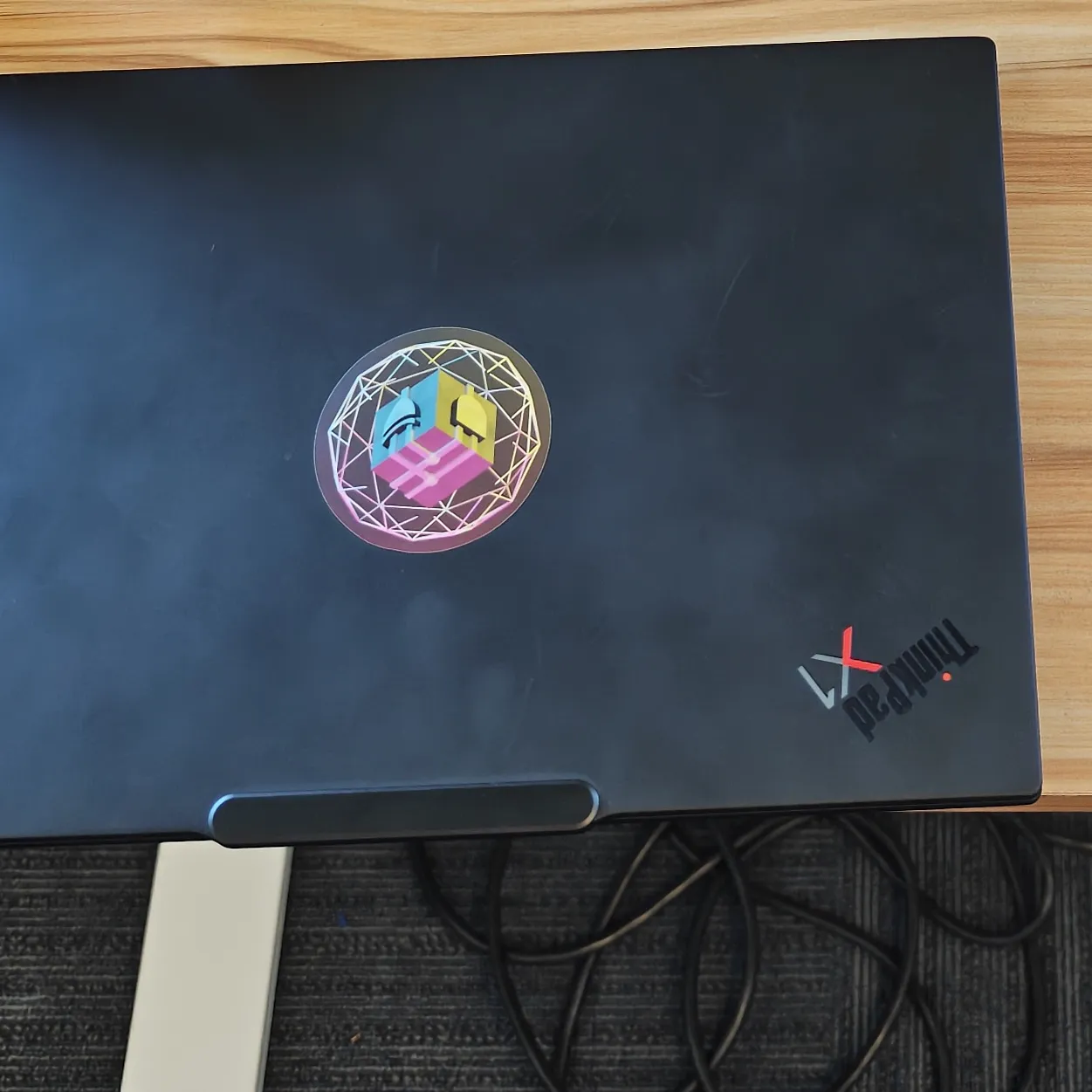
I use a ThinkPad X1 Carbon Gen 12 at work. It’s a similar size with a 14” display.
It’s a well-built laptop for sure. I can’t say I’ve put it through as hard of a test as my MacBook but it feels pretty sturdy. It’s a lot lighter weight than other laptops I’ve used, but that’s honestly not something I care about much — I have a comfortable backpack.
Windows Hello support is somewhat unreliable (it seems to show a “Sorry something went wrong” message about 20% of the time). I honestly would prefer just a standard fingerprint reader.
I never got the hang of using a TrackPoint™-style pointer. I know some people swear by it, but I just can’t get the precision I need.
Honestly, I don’t have a lot more to say about it. It’s a good laptop, but I don’t think I would ever buy one for personal use given how expensive it is. I’m sure the value of used ones is also quite a bit better, but buying laptops used is a whole world I have no experience with.
I run Windows on this laptop (again, work), but I can see why people use these as Linux laptops. They’re simple, no-frills, solid machines for those with the budget for them.
#Windows
Doing software development on Windows is definitely better than it was back in the day, but it still feels like I’m working atop a pile of leaky abstractions which all just try to emulate the way Linux does things. There are like three different ways to install Python and they all have tradeoffs that are totally non-obvious. My terminal has four options when I open a new tab somehow. The Rust installer makes you download parts of Visual Studio which has weird legal ramifications. There’s always either the “windows-y” way to do something or the “almost-linux-y” way of doing it.
When I’m in the flow I can almost forget I’m working on a Windows machine, and that’s about all I can hope for. The set of tooling I use at work is a lot simpler than the vast collection of stuff I use at home for one thing or another, which helps. But I know that reinstalling everything in my development environment would be a much harder process than doing the same on a Linux machine.
It is nice to be able to easily run whatever weird Windows-only software a vendor supplies with their product. I’ve had to resort to lots of nonsense like dual-booting in the past to flash firmware or change the configuration on motor controllers and the like.
#Framework
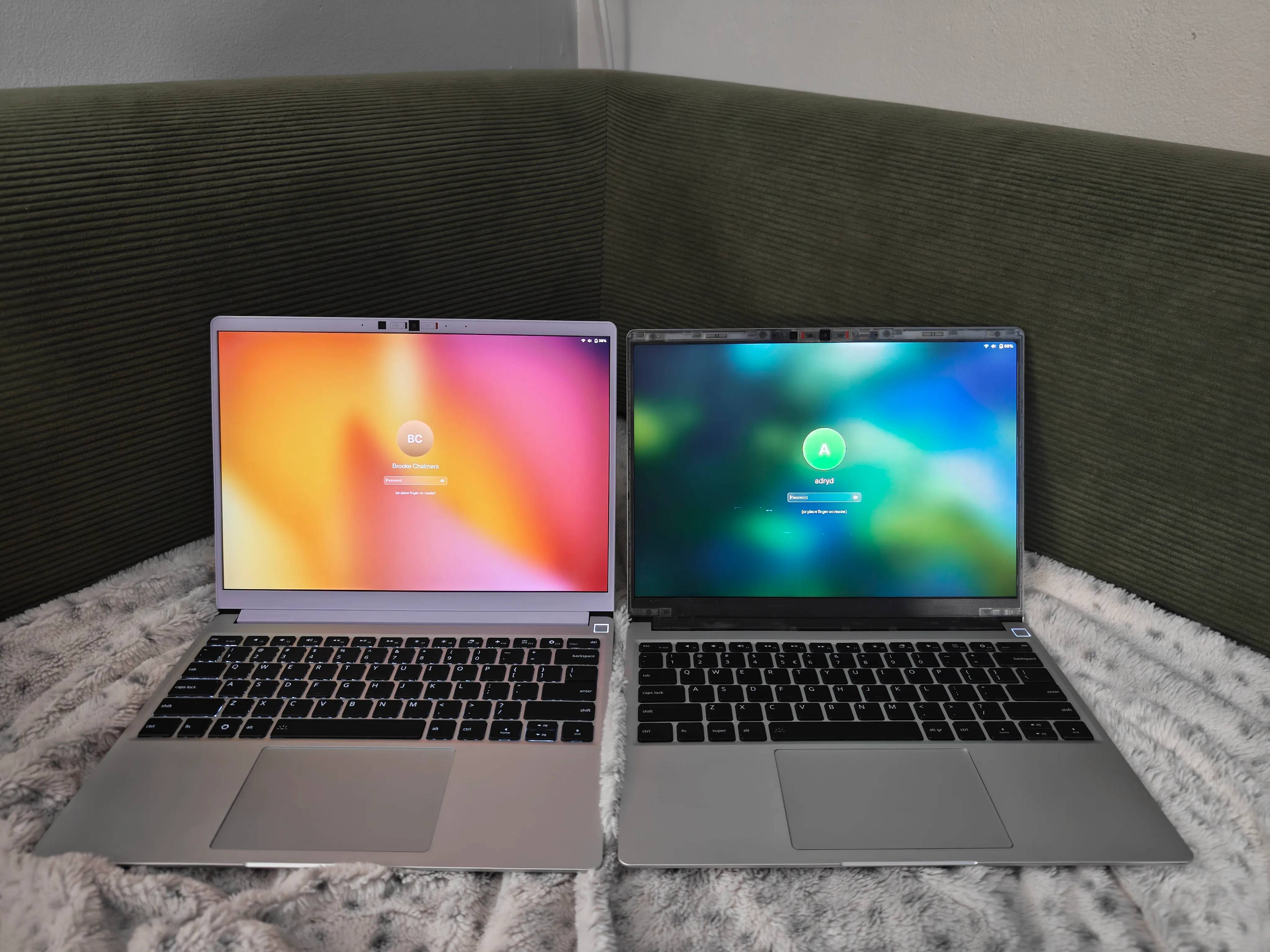
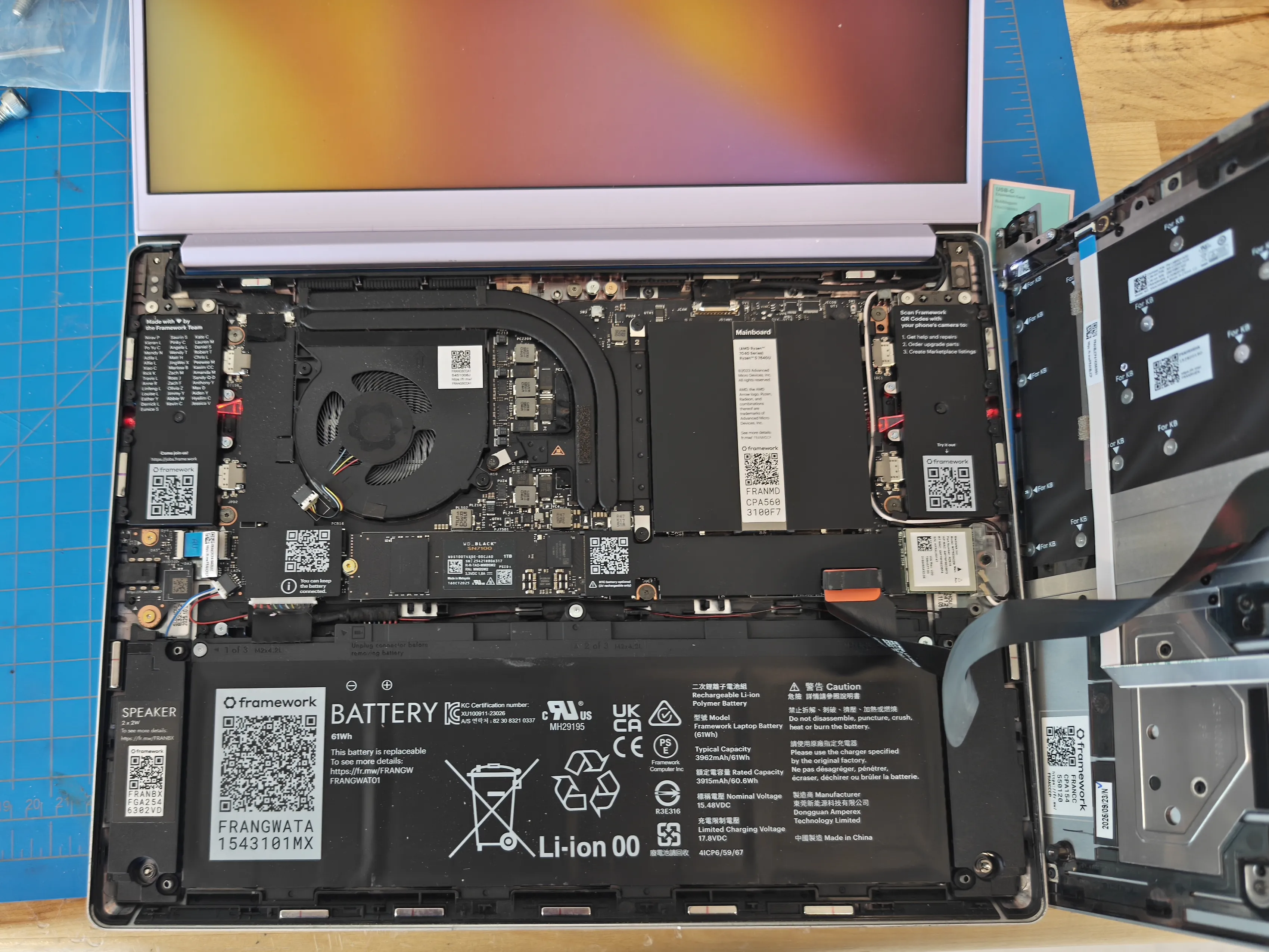
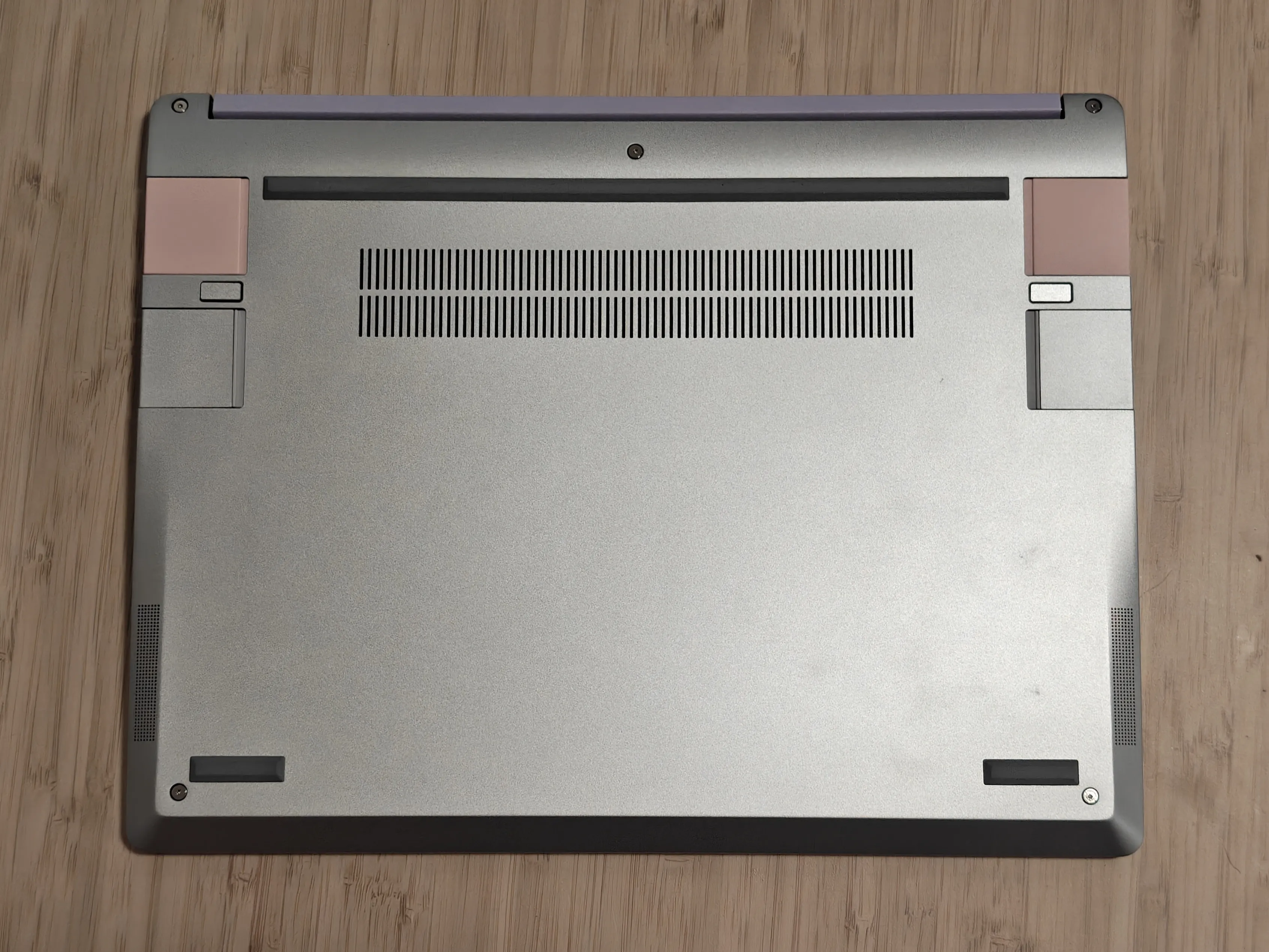
As a (very belated) college graduation present to myself, I decided to buy myself the Ryzen 7040 series Framework 13 since several of my friends have the same model and it seemed like a good value for money.
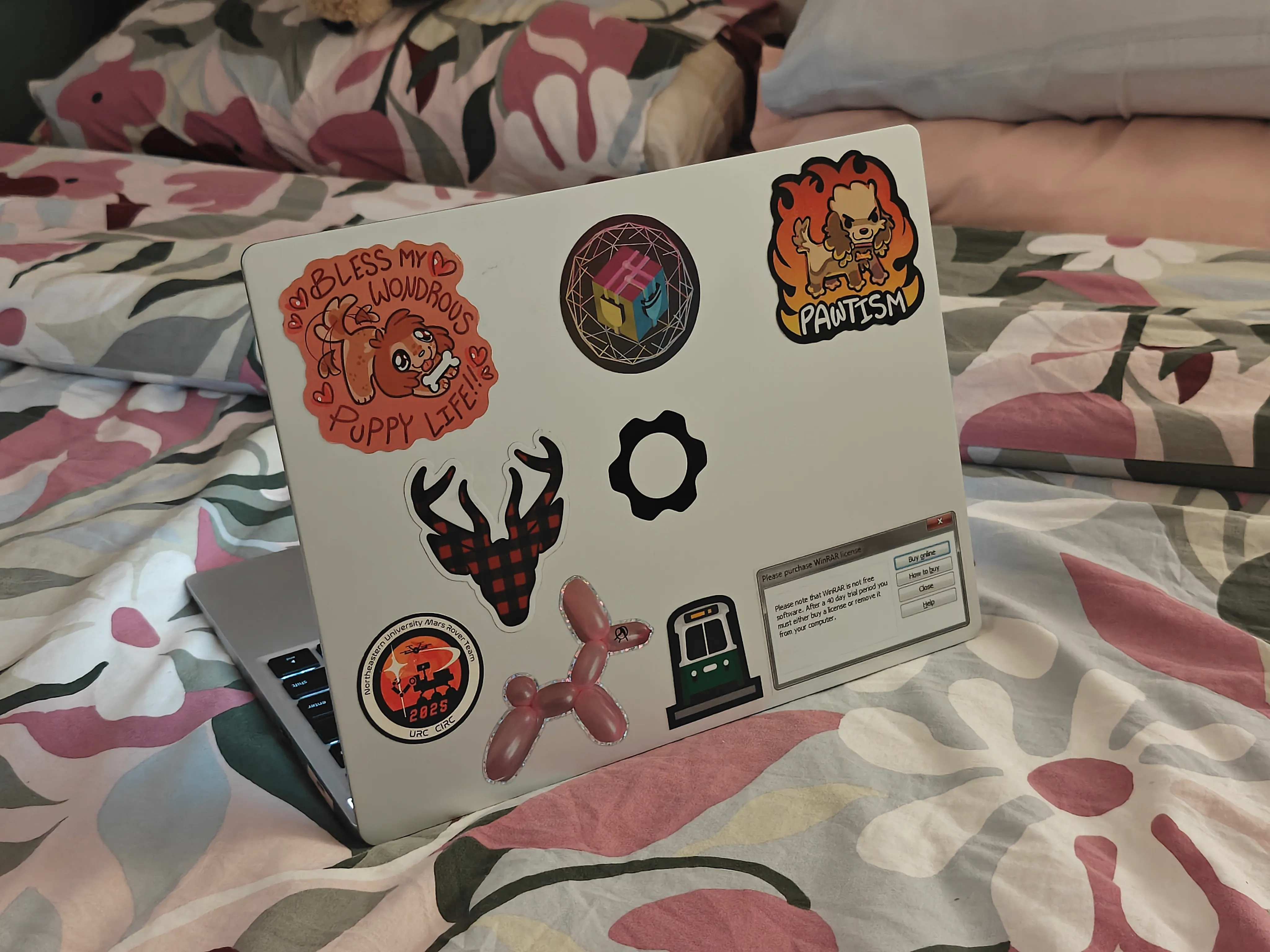
It is extremely fun to have a cute laptop, with a fun purple bezel and pink expansion cards. This is the first laptop I’ve ever put stickers on, and it feels great! For some reason, it feels less like I’m putting ugly patches over the cold industrial design of my computer and more like I’m adding even more fun and color to a laptop that already shows it.
It feels less sturdy than my MacBook, but honestly not by that much. So far it has held up really well! And it’s comforting to know that if I broke something, I could easily just replace that part instead of the entire machine.
I really like the 3:2 aspect ratio display. I didn’t even know the aspect ratio would be different until after I bought the laptop, but it’s quickly become one of my favorite features. It’s not a huge difference, but it definitely helps for things like coding or web browsing. My other two laptops had a 16:10 display, so this is just a little bit taller. The relatively narrower width is also helpful when working on public transit, for instance.
The battery life is pretty good — it’s better than the ThinkPad but worse than the MacBook. That said, there are a few specific things like video calling that drain the battery and heat up the laptop much faster than I’m used to.
I wasn’t sure how important the expansion cards would be for me. I do like having full-size display and USB ports again, but I don’t really swap them around often. I have an Ethernet expansion card, since I find having a hardware Ethernet port really nice for troubleshooting networking issues as opposed to having a dongle dangling around, but I haven’t actually had a reason to use it yet.
The trackpad is pretty nice overall. Palm rejection is not as good as what I’m used to on the MacBook, but still rarely gets in the way.
#Fedora Linux
Daily-driving Linux has been a lot easier than I thought it would be, considering the last time I did it was in high school. I’m using Fedora now instead of Ubuntu at the advice of my girlfriends. It’s nice and stable, the GNOME UI looks great, and trackpad gestures work just as well as they did on my MacBook.
I think I might’ve fallen victim to the frequency illusion: Linux users constantly joke about problems with Wi-Fi, sound, suspend/resume, installing apps sometimes being complicated, and so on. Despite this, the experience with these has legitimately gotten much better over time — installing common applications is much easier than it was back when I last used Linux on my personal laptop in high school. It’s also a function of what system you’re installing things onto and how much that vendor cares about Linux support. As it turns out, Framework cares a lot!
Closed-source apps used to be kind of hit-or-miss, but are at least relatively consistent now. Spotify has a weird border around the window and RealVNC has some weird scaling issues, but Discord finally fixed their Linux updater so that runs as smooth as it does on Mac and Windows.
The fingerprint reader in some ways feels more integrated into the operating system than Touch ID did. For instance, it works instead of a password for sudo in the terminal without any extra setup.
I had an issue for the first few months with my laptop waking up from sleep unreliably — it turns out I had the HDMI expansion card in the wrong port! I’m a little annoyed that the symptom of that would be “opening the lid to resume from sleep results in a hard reboot about 10% of the time,” but I’m at least glad it’s resolved.
#Conclusion
Overall, I’m really happy with my decision to switch from a MacBook to a Framework laptop! It’s nice to be back in a Linux environment for development work, the software is about as stable as it was on my Mac (if not better), and I really am not giving much up in terms of battery life or performance.
I do like the upgradeability of the Framework laptop, but it’s honestly not the main reason I bought it. I just wanted a laptop that ran Linux, that was portable enough to fit the way I like to work, and with software that felt stable to use on a day-to-day basis. That said, I know it’ll come in handy a few years down the line when I’m ready for an upgrade — and I’m excited that I’ll get to keep all the stickers I’ve collected when that time comes!