I bought a Sony Mavica!
· breq.dev

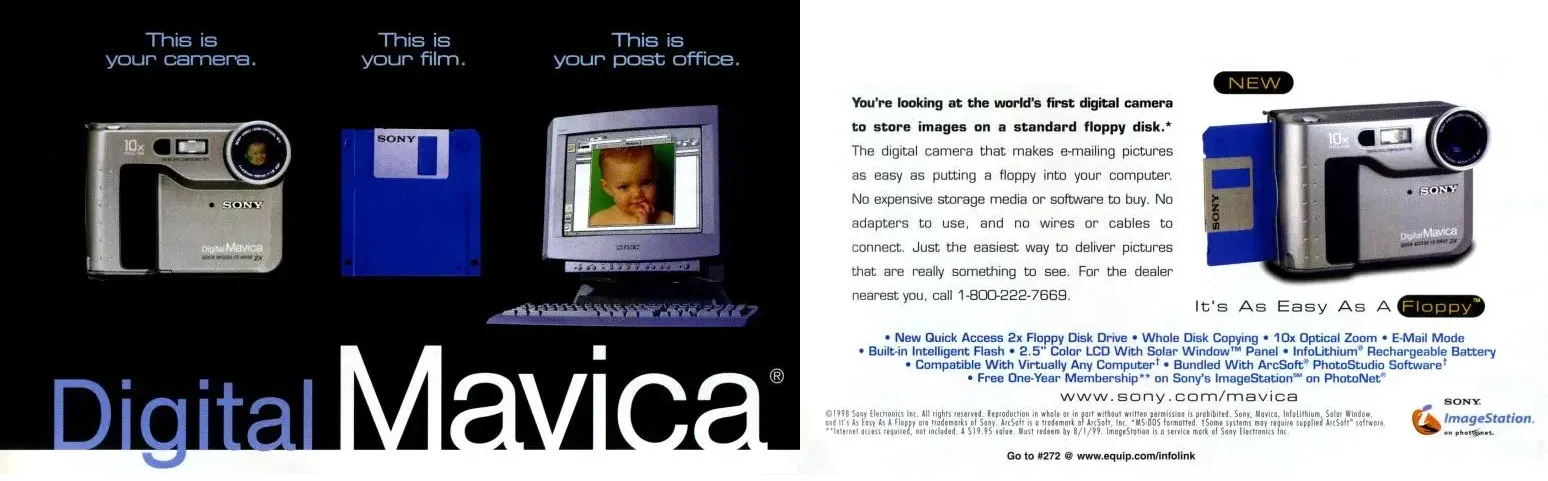
I bought a Sony Mavica! And everything about this camera has been such a joy, I can’t help but write about it :)
The Digital Mavica line of cameras saved images directly onto a floppy disk. The model I own is the MVC-FD90 which was released in 2000. It captures images at a maximum resolution of 1280×960, but can also shoot at 640×480 to save space on the floppy disk (which can store around 20 photos at that resolution).
#Inspiration
Earlier this year at Anthro New England, my girlfriend Mia was taking photos on her Mavica and let me try it a bit! It seemed like such a fun and whimsical camera to keep around.




While I was intrigued by the camera, I was a bit intimidated by the floppy disks — Mia has much more experience with retrocomputing than I do, and I worried that getting disks, a drive, pulling images off the camera, and keeping everything in good shape might be too difficult for me.
#Swapfest my beloved
It was at the most recent MIT Swapfest that I picked up my beloved Mavica. I purchased it from some very persuasive transfems who had a table dedicated exclusively to Mavica stuff. I bought the model they recommended and they helped me get set up with a battery, strap, etc. I figured that, now that I’m getting settled into post-college life, now was a good time for me to pick up something new!
I’m a big fan of Swapfest: it’s almost more of a community gathering to me than a place to buy stuff. Whenever I go I see so many friends, former classmates, and colleagues I know from work. You get to know the tables that come back every month and the people who sell regularly. All in all, it’s a great way to spend a Sunday morning!
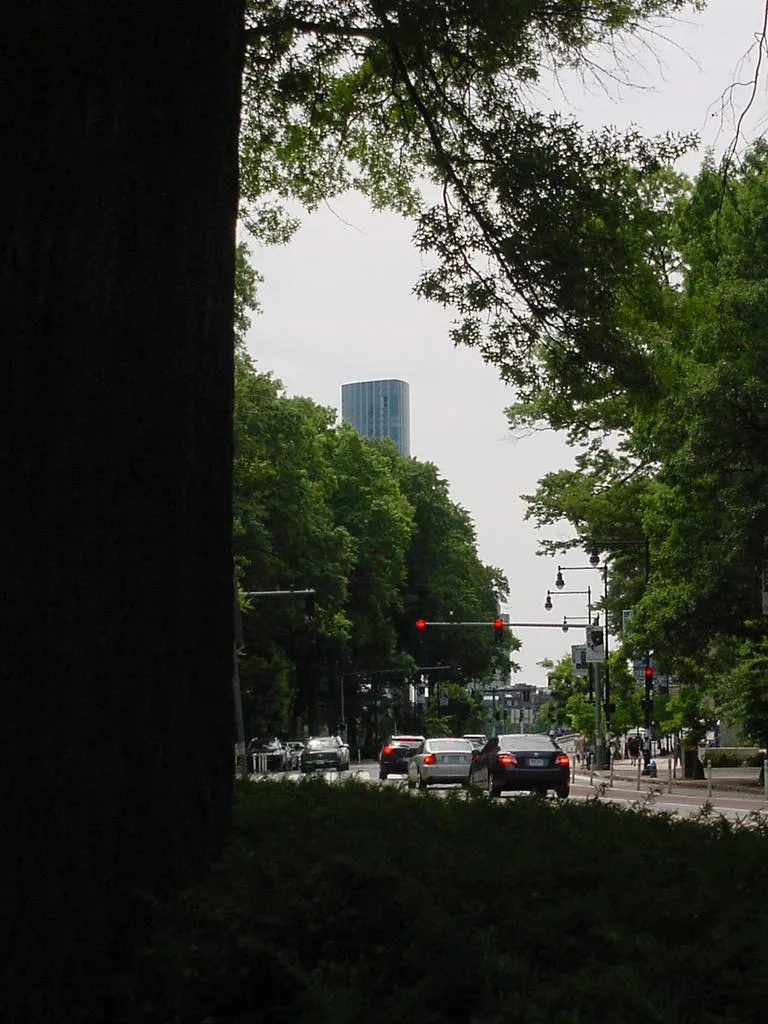

#Meticulous unscheduled disassembly
Mavica experts will know that aftermarket batteries tend to be a bit oversized compared to the originals. The folks who sold me mine made sure I was aware of this and even gave me a ribbon to put around the battery. However, in my excitement to try it out, I totally forgot about this and immediately put the battery directly in. I had to disassemble the camera to get it out!
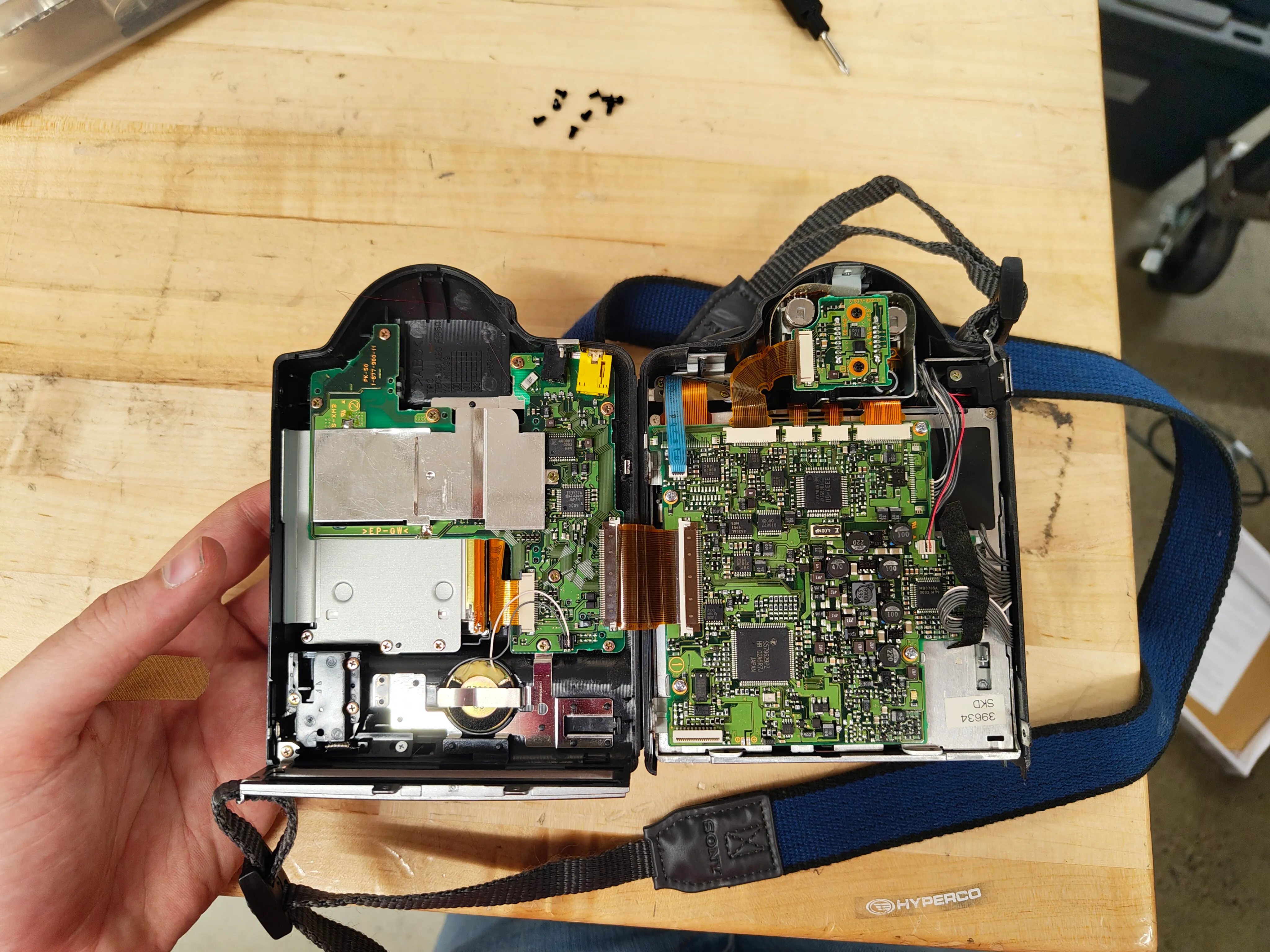
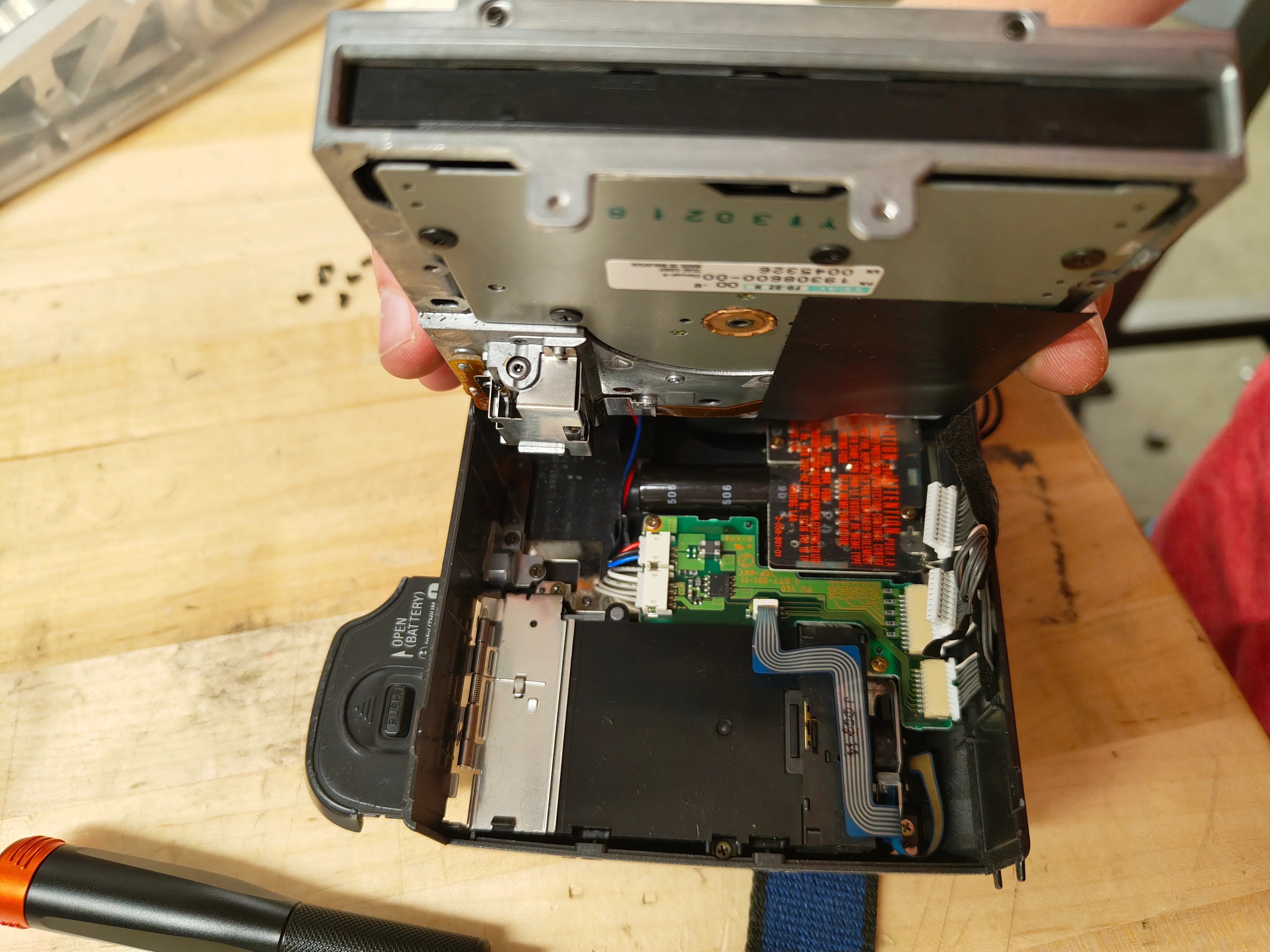
Big thanks to Sony for putting that plastic cover over the flash capacitor… that could’ve been a nasty shock otherwise 😬
#My first disk
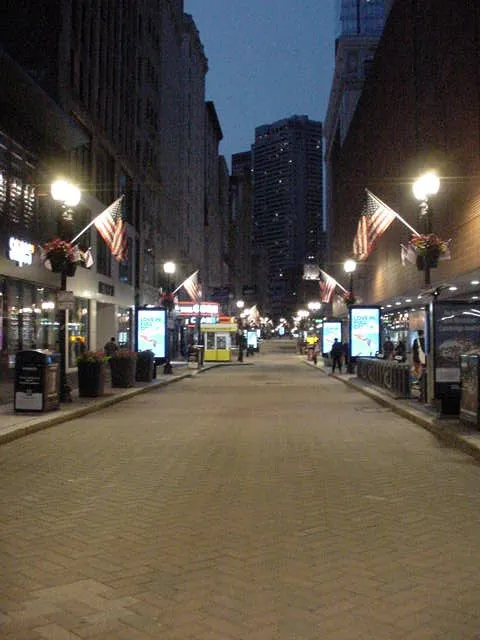
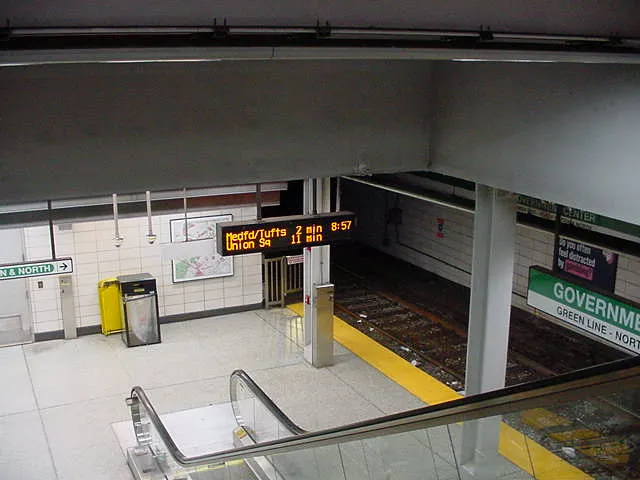
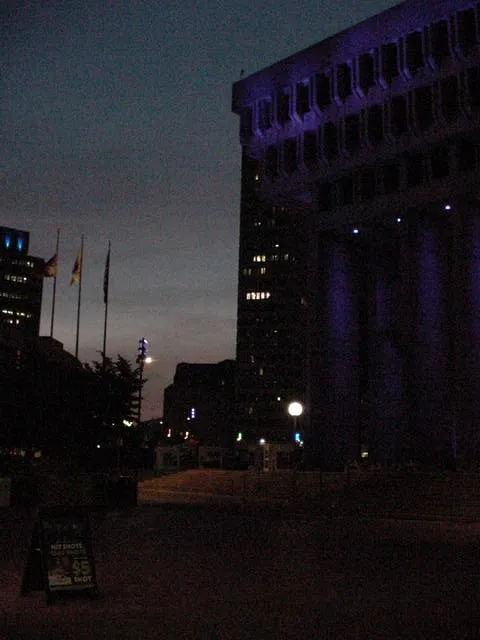
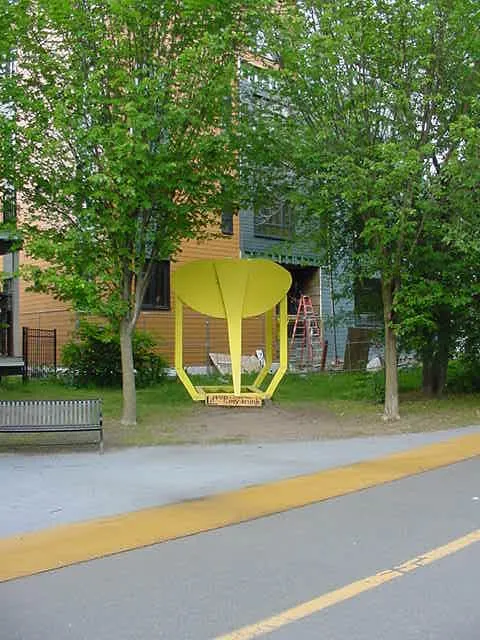
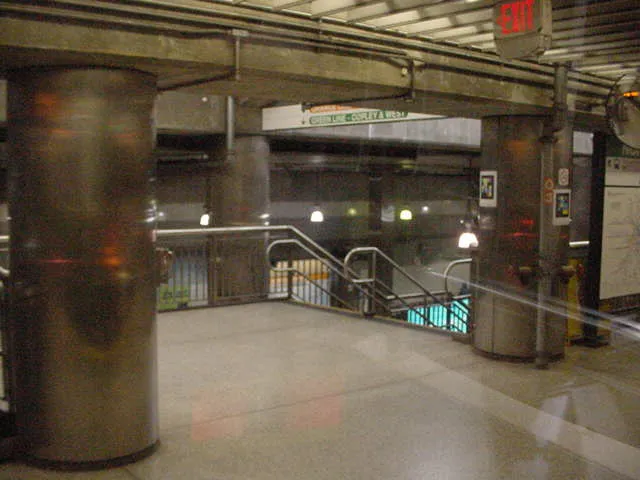
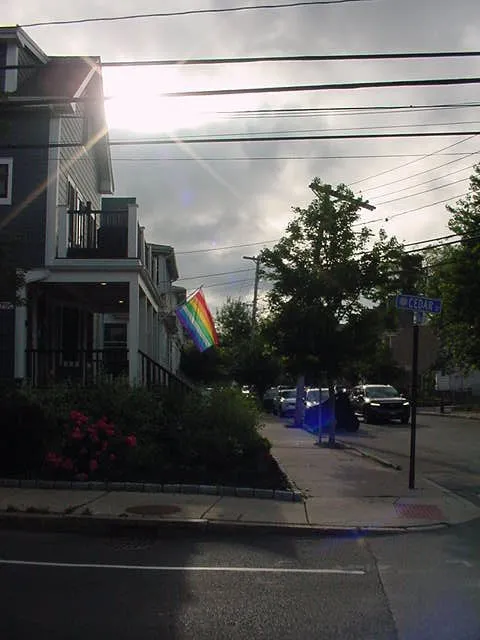
A few tables at Swapfest hand out free floppy disks to passerby. I had accumulated a total of three disks and found that, miraculously, one of them actually worked! I had a mild panic moment when I realized the camera couldn’t always successfully read all of the photos on the disk, it turned out to be easily readable by a USB drive.
At the time, I didn’t have any way to read files off of the disk, so I just took as many as I could until it filled up.




#Getting serious
By this time, I had had enough fun with the camera that I figured I should actually get ahold of some disks and a floppy reader!
Mia advised against me buying a random floppy drive on Amazon, so at the recommendation of my friend Tris, I bought a Dell Latitude drive online for about $6. It’s designed to be put into a slot on the laptop, but it actually just has a normal Mini-USB connector. I bought some disks from an Amazon listing that looked legit (it was Maxell brand and had good reviews).
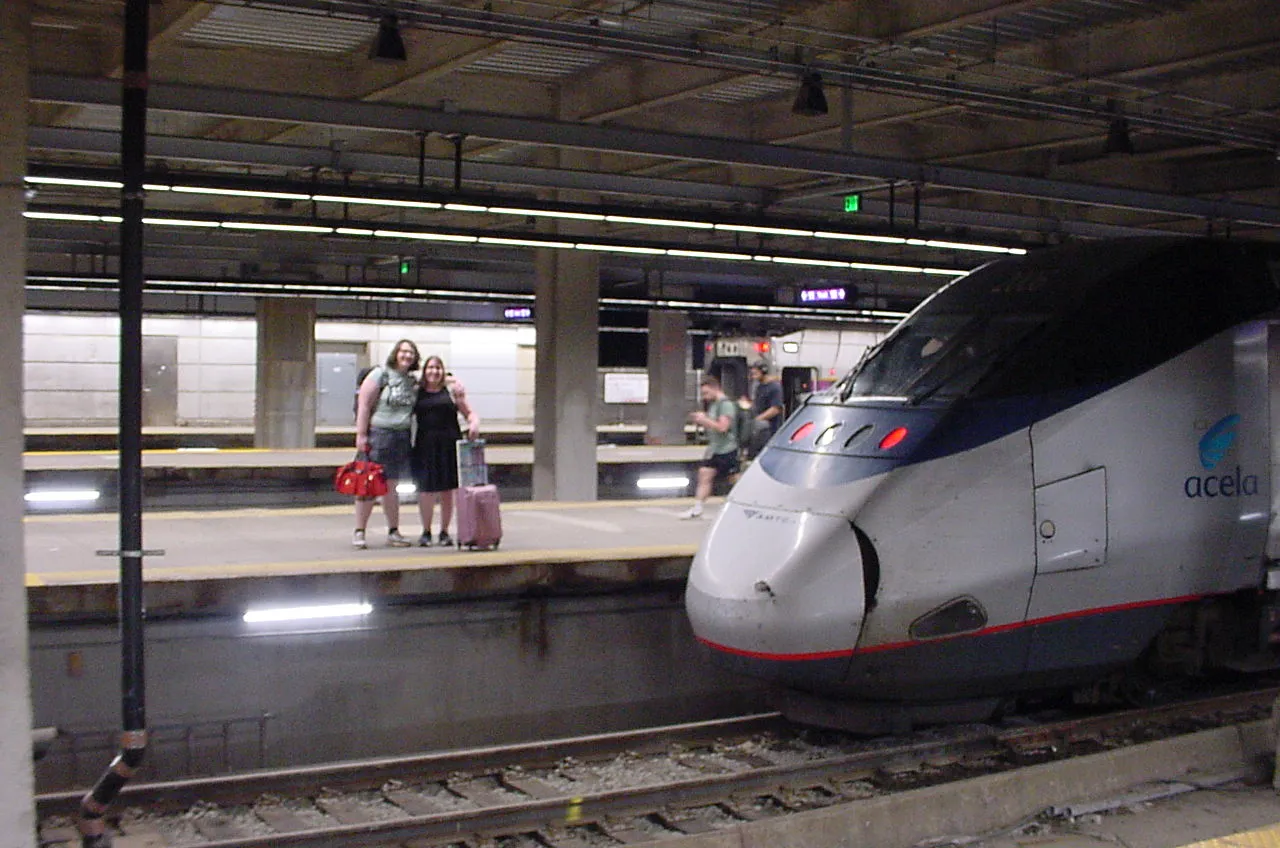
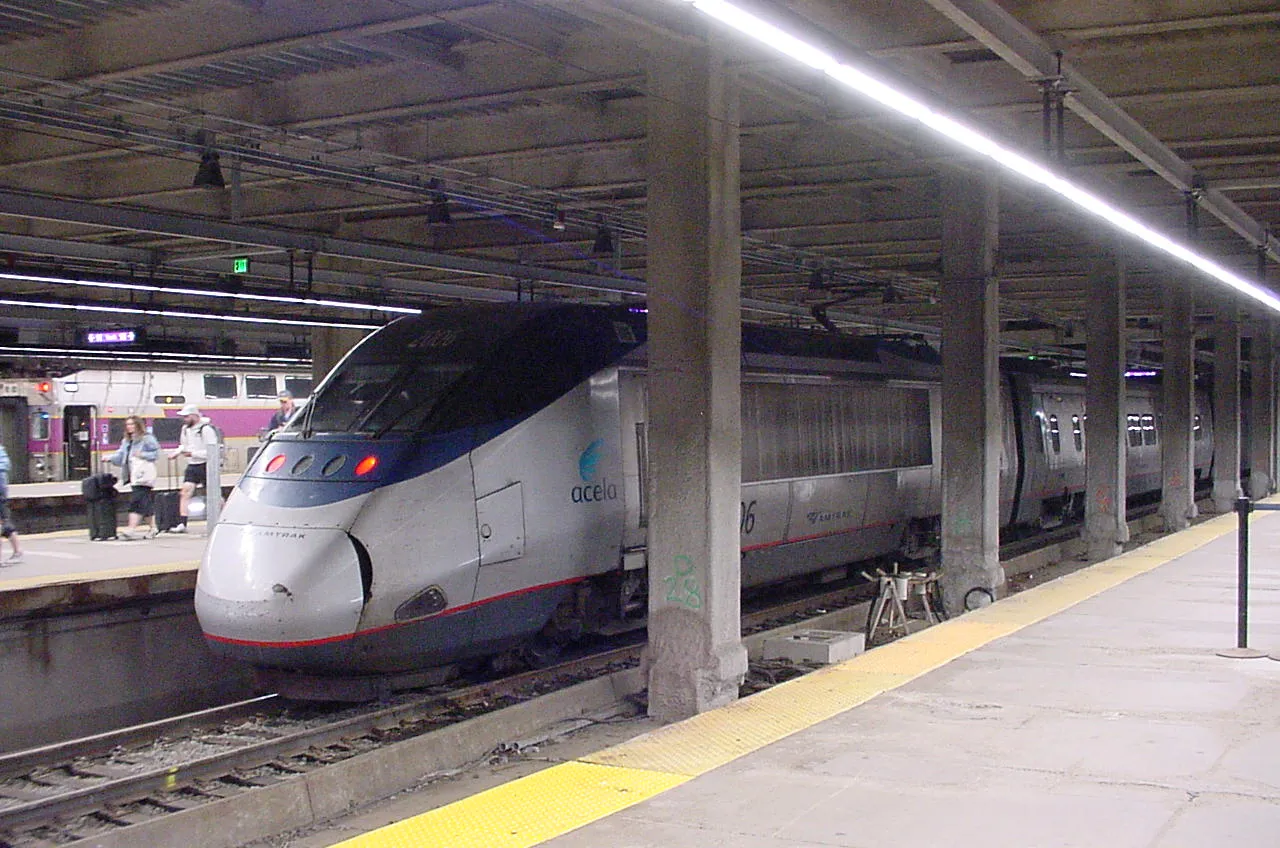
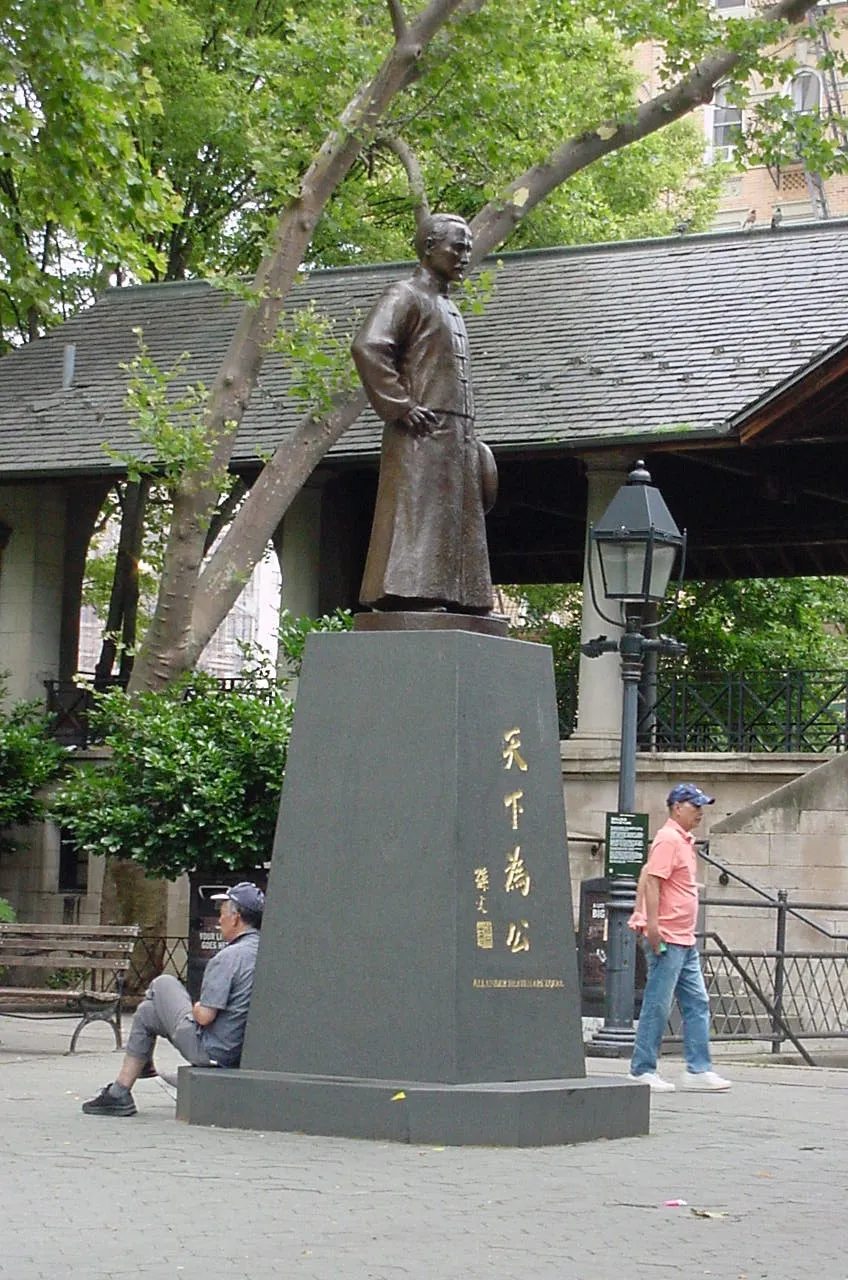
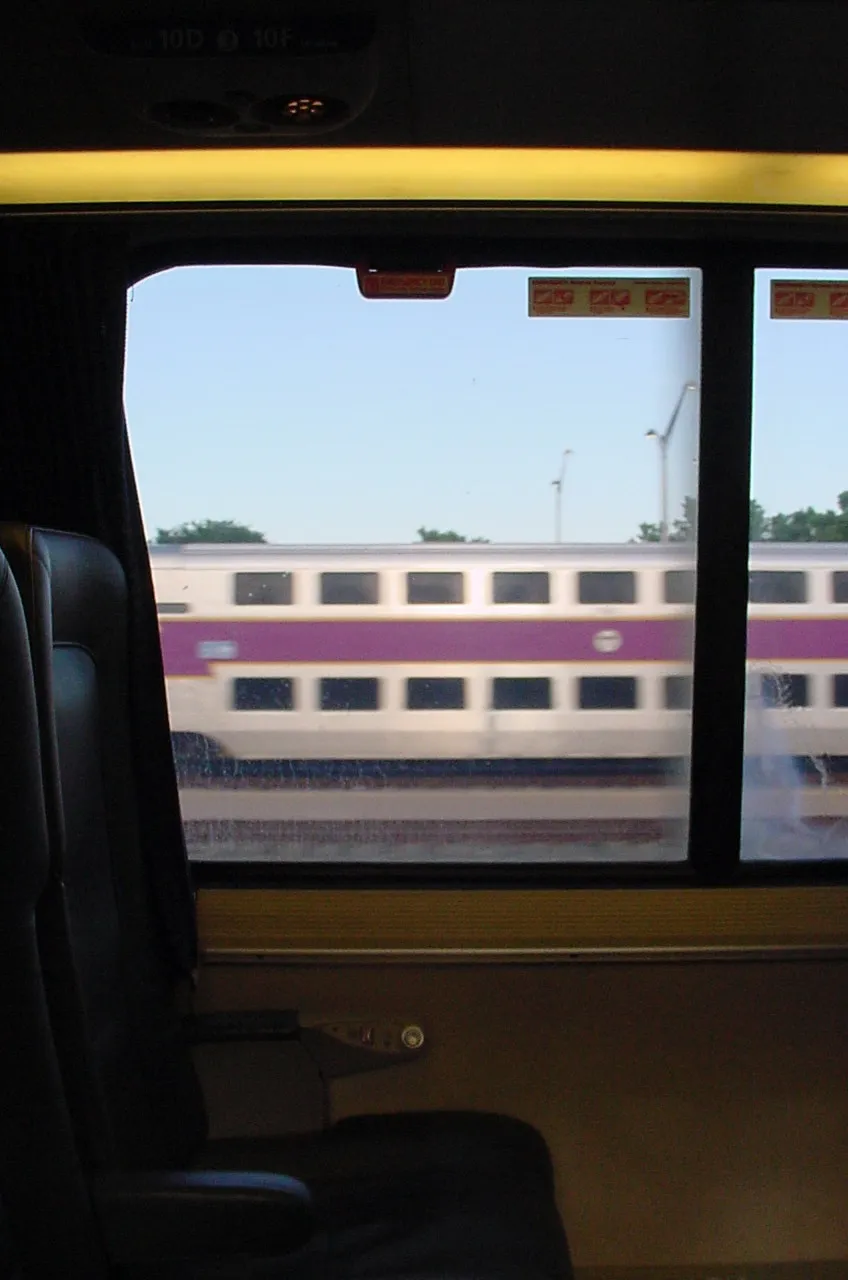
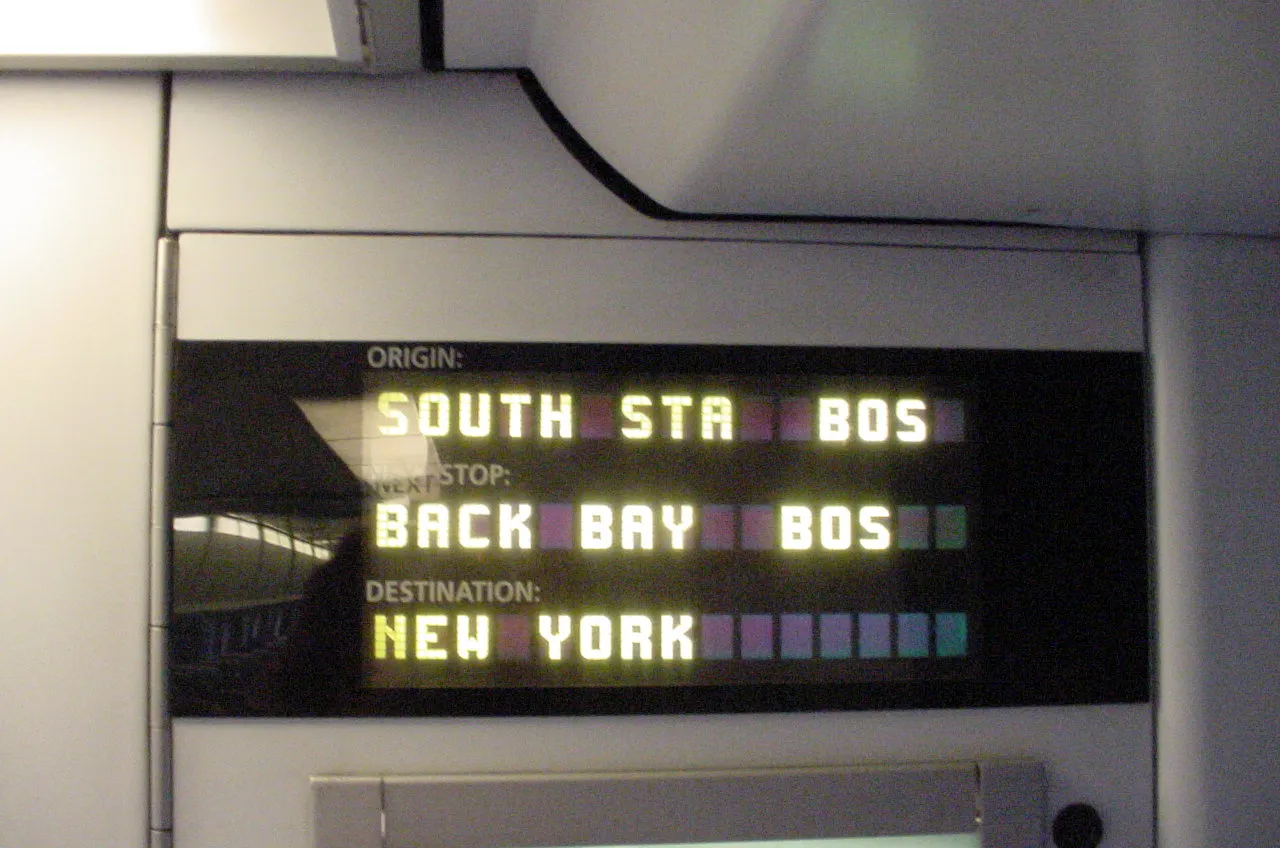
The disks arrived just in time for me to take them on a trip to New York City!

#Data recovery adventures
After getting back from NYC and finally being able to read the disks, I discovered that a few of the photos weren’t readable. This wasn’t a big deal (the photos I cared most about were fine), but it definitely taught me to be less careless with floppies. My backpack has dozens of tiny magnets in it and I struggled to find a spot far enough away from all of them!
Mia recommended I use ddrescue to try to recover parts of the images. It ended up not giving me anything more than I got from copying files over, but was interesting to learn. I could definitely see it coming in handy in the future.
sudo ddrescue /dev/sda hdimage mapfile
sudo mkdir /tmp/hdimage
sudo mount -o loop hdimage /tmp/hdimage
cp /tmp/hdimage/* .
sudo umount /tmp/hdimage
To reformat the disks, I used a tool called ufiformat to re-lay the tracks and then used the Mavica’s built-in disk format tool to recreate the filesystem.
sudo ufiformat /dev/sda
#More to come
Thus far I’m really enjoying shooting on the Mavica! Limiting myself to a specific number of shots per disk helps me be more thoughtful than with a modern digital camera, but unlike with film, if I take a bad shot I can just delete the file — I haven’t wasted anything.
Dealing with floppy disks as a medium is much more fun and less stressful than I anticipated! The disks themselves are cheap, devices for reading and writing them are cheap, software support is quite good even on modern machines, and with a little care they’re easy enough to keep in working order.
I’ve been in a bit of a lull with photography lately, but I think I might’ve found something to get me back into it!